

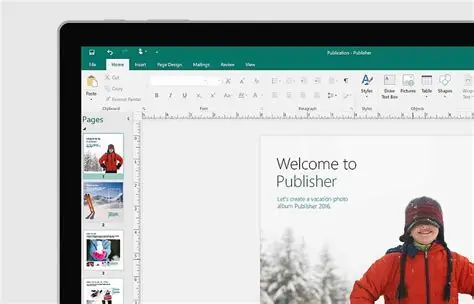
Microsoft has confirmed that Publisher will be retired in October 2026. If your business still uses it for newsletters, flyers or templates, now is the time to plan your transition.
After the retirement date, Microsoft 365 subscribers will no longer be able to open or edit Publisher files.
This means any .pub files your organisation still relies on could become completely inaccessible.
Let’s break down what’s happening, and what you need to do.
Microsoft has announced that:
Standalone perpetual versions (e.g., Office 2021) may still open Publisher, but they will no longer receive security updates and could become unreliable over time.
According to Microsoft, many of Publisher’s features now exist in:
Publisher is older, desktop‑based, and lacks cloud features like collaboration.
Microsoft is focusing on more modern tools instead.
Book your free IT health check today
Get free insights into the health of your IT estate, with no pushy sales, and no obligation to sign up.
If your organisation uses Publisher today, you could face:
From October 2026, Publisher files will not open in Microsoft 365 at all.
Your existing documents could effectively be “locked”.
If you rely on Publisher for:
…you’ll need to rebuild these in another app.
Converting .pub files can be fiddly, and layouts may not transfer perfectly.
Check:
Microsoft recommends converting to another format before 1 October 2026.
The easiest options are:
Microsoft provides a PowerShell script that batch‑converts .pub files to PDF.
This is helpful if you have hundreds of files.
Most businesses replace Publisher with:
Many SMEs won’t feel the impact until they suddenly can’t open an important file.
By then, it may be too late to recover it easily.
The key steps are:
If you’d like help auditing your files or migrating content, we’re happy to guide you through the process.
Want help with your Publisher files?
Get free insights into the health of your IT estate, with no pushy sales, and no obligation to sign up.