

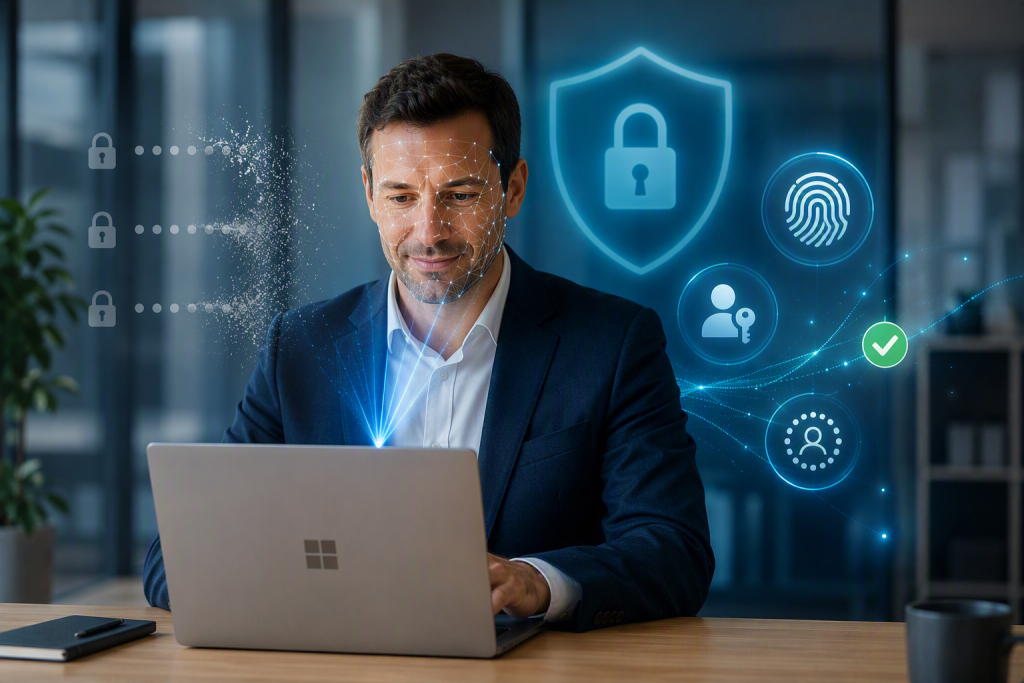
For years, passwords have been the front door to business systems. Unfortunately, they have also been one of the easiest ways for cybercriminals to gain access. Stolen credentials, phishing emails, and password reuse remain among the most common causes of data breaches.
To tackle this problem, Microsoft is accelerating its move towards passwordless authentication and passkeys across Microsoft 365 and Microsoft Entra ID. Beginning in 2026, passkeys will become the default authentication method for many Microsoft users, marking a major shift in how businesses secure their accounts.
The good news? Passkeys are not only more secure, they’re often easier to use.
Think of a passkey as a modern replacement for your password.
Instead of entering a password that can be forgotten, stolen, or guessed, you simply verify your identity using:
Behind the scenes, passkeys use advanced cryptography that creates two keys:
The private key never leaves your device, making it extremely difficult for attackers to steal.
Book your free IT health check today
Get free insights into the health of your IT estate, with no pushy sales, and no obligation to sign up.
Cyber threats have evolved dramatically in recent years.
Traditional passwords and even SMS-based verification codes can be vulnerable to:
Microsoft has highlighted that phishing attacks are becoming increasingly sophisticated, with AI helping cybercriminals create more convincing scams. Because passkeys don’t rely on shared secrets or codes, they are far more resistant to these attacks.
In simple terms:
If there’s no password to steal, there’s no password for attackers to abuse.
A passwordless sign-in is designed to be quick and secure.
Instead of:
You’ll simply:
The entire process usually takes just a few seconds.
For users, it often feels similar to unlocking a modern smartphone.
Microsoft has announced a significant change to Microsoft Entra ID authentication.
Key milestones include:
Users who currently rely on SMS or voice authentication will begin receiving prompts to register passkeys. Passkeys will become the default authentication experience.
Microsoft will retire its native SMS and voice authentication services within Entra ID. Organisations will need to move users to phishing-resistant methods such as passkeys, Windows Hello for Business, or security keys.
This reflects Microsoft’s wider strategy of making secure, passwordless authentication the standard across Microsoft 365.
Moving to passkeys delivers several advantages:
Passkeys are resistant to phishing and credential theft, helping reduce the risk of account compromise.
Employees no longer need to remember complex passwords or regularly reset forgotten credentials.
Password resets remain one of the most common helpdesk requests. Passwordless authentication can significantly reduce this burden.
Many security frameworks and cyber insurance providers increasingly favour phishing-resistant authentication methods.
Users can often log in with a fingerprint or face scan in seconds rather than typing credentials.
The move to passkeys is more than a technical change—it’s a major improvement in how organisations protect their data.
Businesses that prepare early will enjoy:
While passwords won’t disappear overnight, their importance will continue to diminish as passwordless authentication becomes the new standard.
Now is an excellent time to review your Microsoft 365 security posture and plan how passwordless authentication can be introduced across your organisation.
Want help with your IT?
Get free insights into the health of your IT estate, with no pushy sales, and no obligation to sign up.